0 views
문제
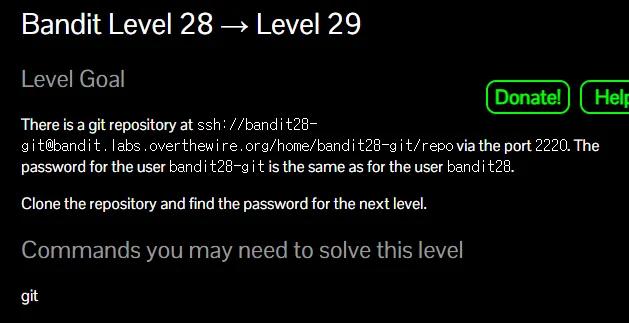
풀이
1. clone
git clone ssh://bandit28-git@bandit.labs.overthewire.org:2220/home/bandit28-git/repo
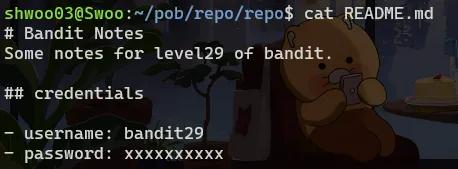
2. git commit history 보기
-
git 허브에서 commit 히스토리를 볼 수 있다.
git log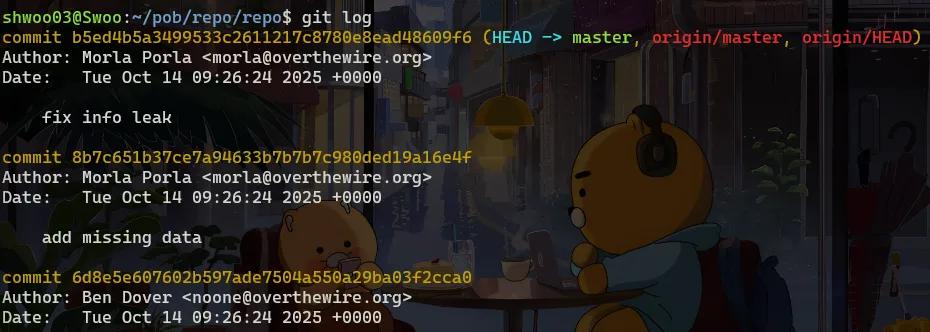
-
commit 8b7c651b37ce7a94633b7b7b7c980ded19a16e4f
- 여기서 missing data 추가 후 다음 commit에 info leak 으로 수정한것을 볼 수 있다.
- 그렇다면 우리가 저기로 다시 HEAD를 이동하면 info leak 수정 이전의 비밀번호를 볼 수 있을 것이다.
2.1 README.md 파일 변경사항만 보기
- git log로 커밋 히스토리 확인
- -p로 각 커밋에서 해당 파일이 어떻게 변경되었는지 보기
- 대상 파일은 README.md 이다.
git log -p README.md
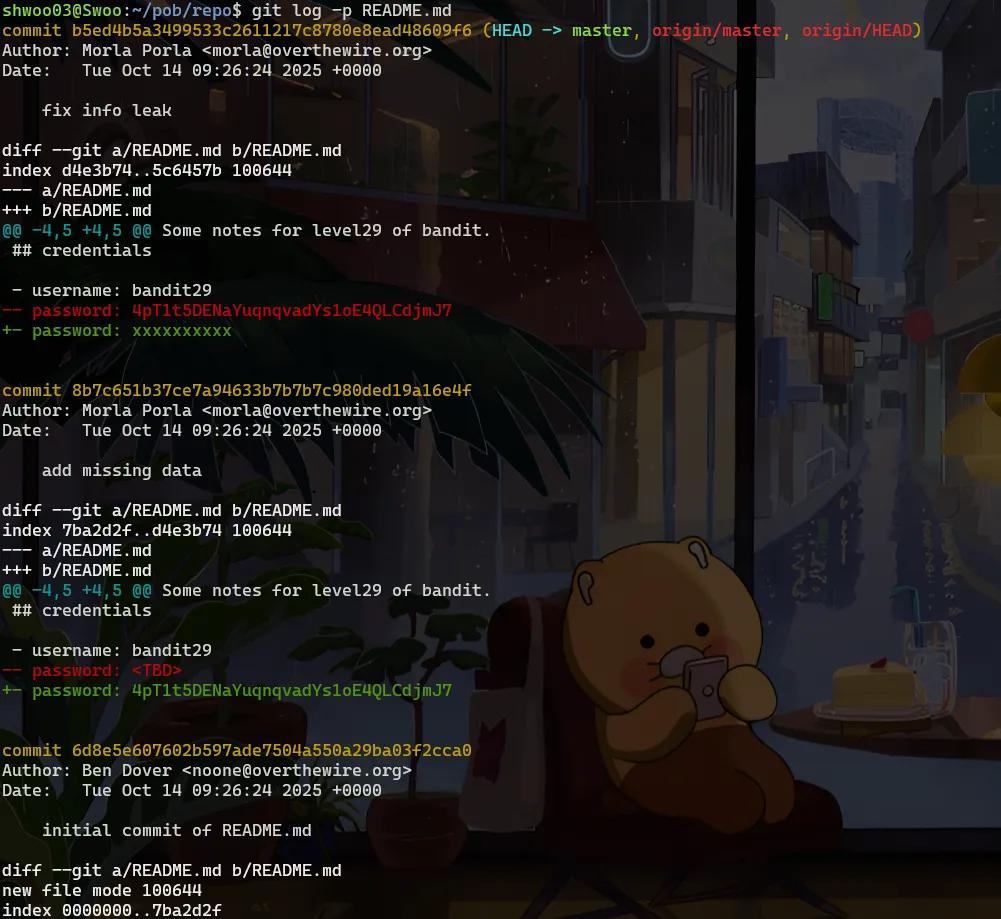
4pT1t5DENaYuqnqvadYs1oE4QLCdjmJ7
'Bandit'카테고리의 다른 글
Loading comments...